TabPark — Save Tabs, Restore Focus
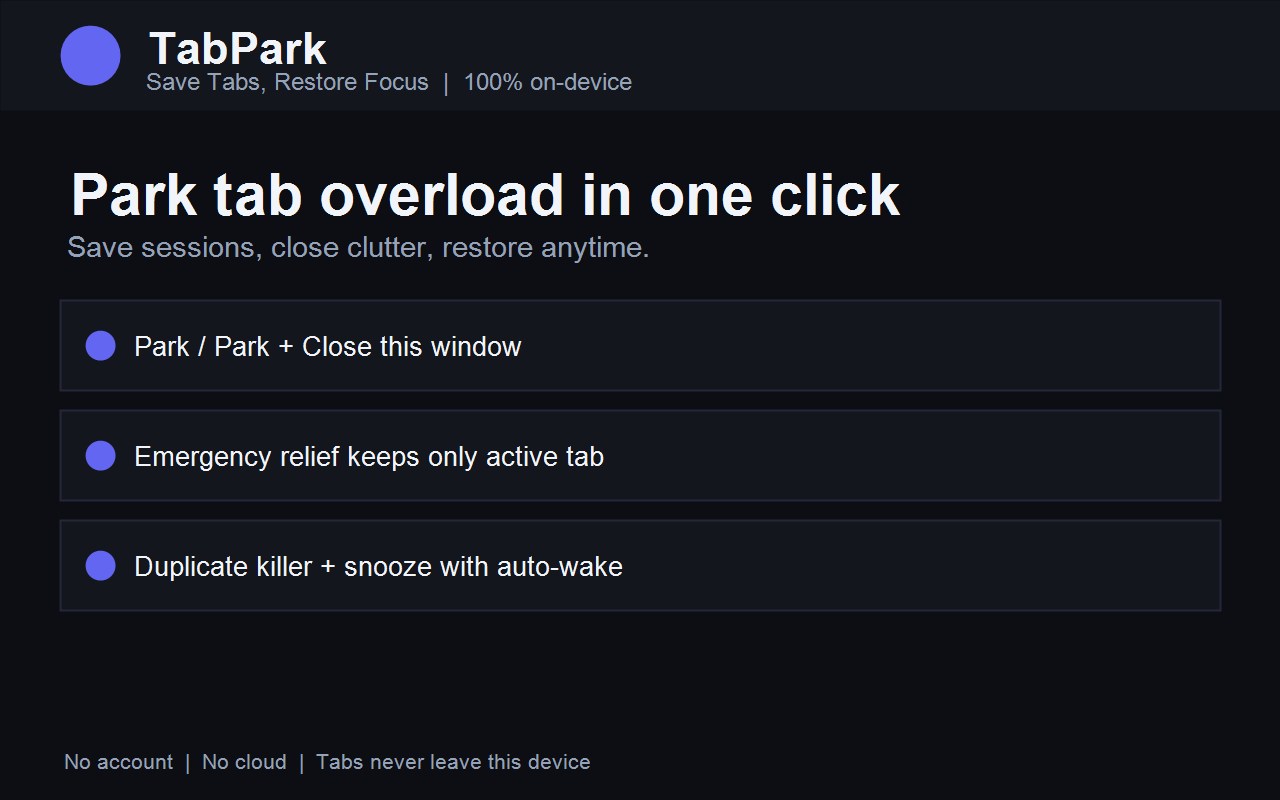
Park tab overload in one click. Save sessions, kill duplicates, snooze tabs for later, restore anytime. No account, no cloud — everything stays on your device.
Add to Chrome — free How it works
Free · Works offline · No account · Chrome, Edge, Brave and other Chromium browsers
Screenshots
Features
- 1-Click Park & Close — save the window as a named session and close unpinned tabs.
- Emergency relief — over your threshold? Keep only the active tab, park the rest automatically.
- Duplicate killer — same URL open twice? Close copies in one click, per window or everywhere.
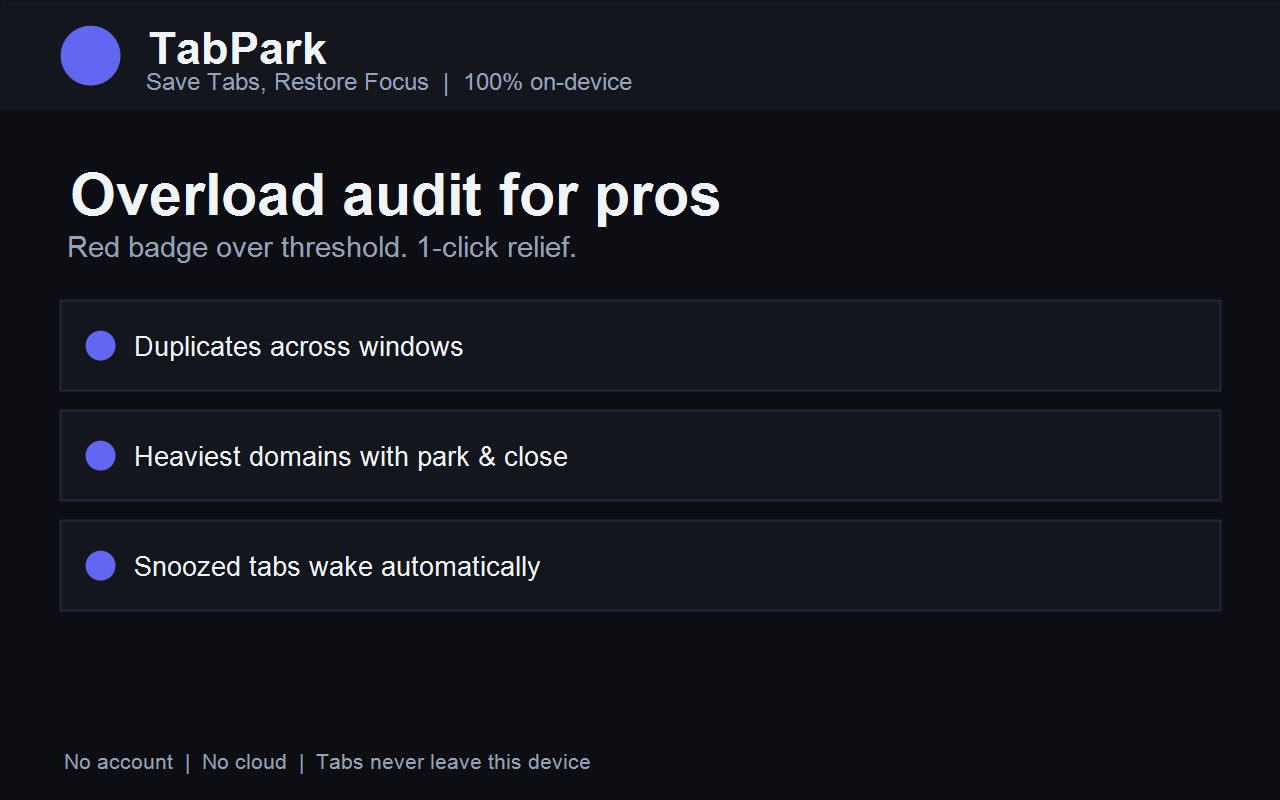
- Snooze tabs — close tabs and auto-reopen in 15 min, 1 h, 3 h or 24 h.
- Overload audit — red badge over threshold, heaviest domains with park & close by domain.
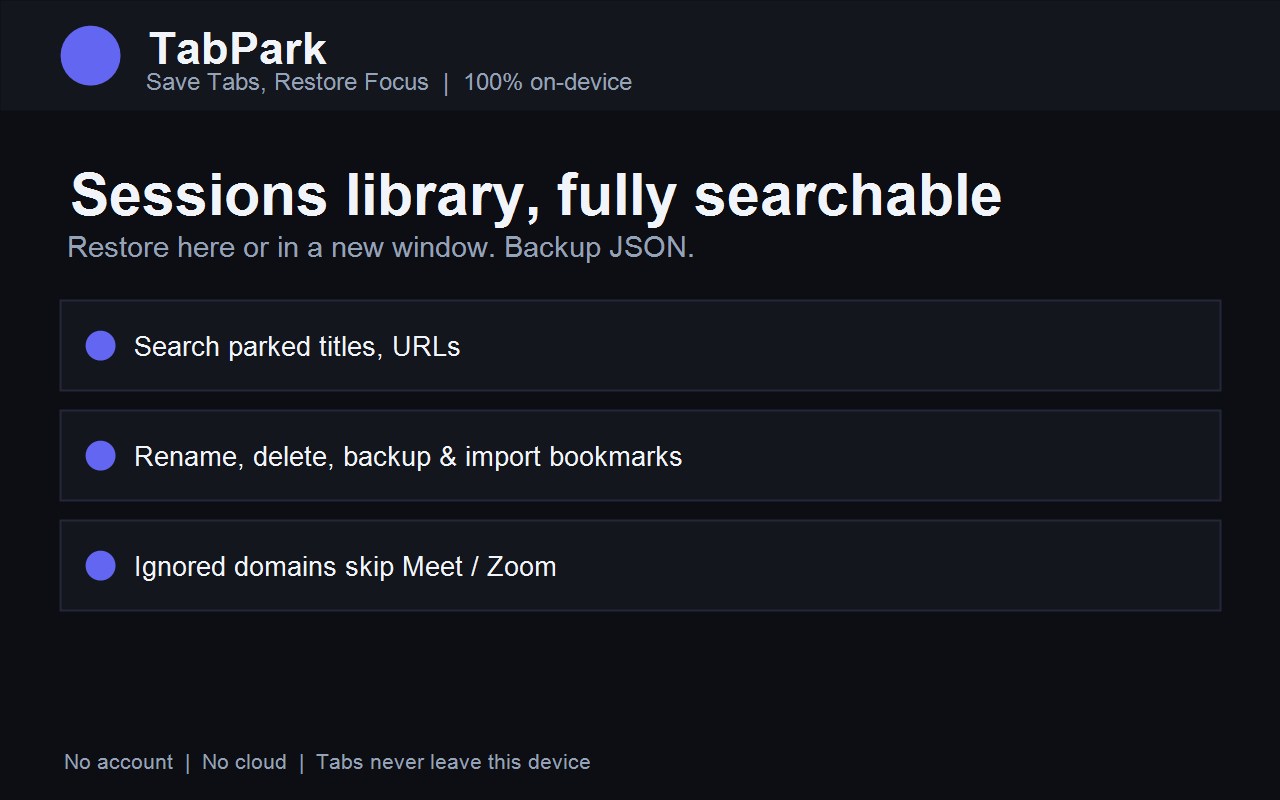
- Sessions library — search titles and URLs, restore here or in a new window, rename, backup to JSON, import bookmarks.
How it works
- Open tabs for work or research.
- Click TabPark → Park, Park + Close, or 1-click relief. Right-click on any page works too.
- Work light with 1–2 tabs. Open the Dashboard → Restore when you need them back.
Install
- Chrome Web Store (recommended): open the TabPark listing and click Add to Chrome. If it is still in review, check back shortly.
- Load unpacked (developers): download the release ZIP, open
chrome://extensions, enable Developer mode, click Load unpacked, select the folder.
Privacy
- Parked tab URLs, titles and settings live in chrome.storage.local on your machine only.
- No account, no cloud sync, no tracking servers, no remote code — all scripts are bundled in the package.
- Permissions used only for the single purpose above: tabs (list/close tabs you park), storage (local sessions), alarms (wake snoozed tabs), contextMenus (right-click park), bookmarks (only when you click Import).
- Pinned tabs are never auto-closed; Meet/Zoom-style domains are ignored by default.
- Full policy: privacy policy, TabPark section.
FAQ
Does TabPark need the DayRecall desktop app?
No. TabPark is standalone and works fully offline.
Where is my tab data stored?
Only on your device in the browser's local extension storage. Uninstalling the extension removes it; use Dashboard → Backup JSON to keep a copy.
Will it close my pinned or meeting tabs?
No. Pinned tabs are never closed by Park, relief or duplicate cleanup, the active tab is kept during relief, and ignored domains are skipped.
Is TabPark free?
Yes. v2.0 is free with unlimited local sessions (capped at 200 stored sessions for performance).
Support
Questions or bugs? See Support, open an issue on GitHub or message on LinkedIn.